 Kristina ;D
How to Build a Portfolio Website for Artists and Designers
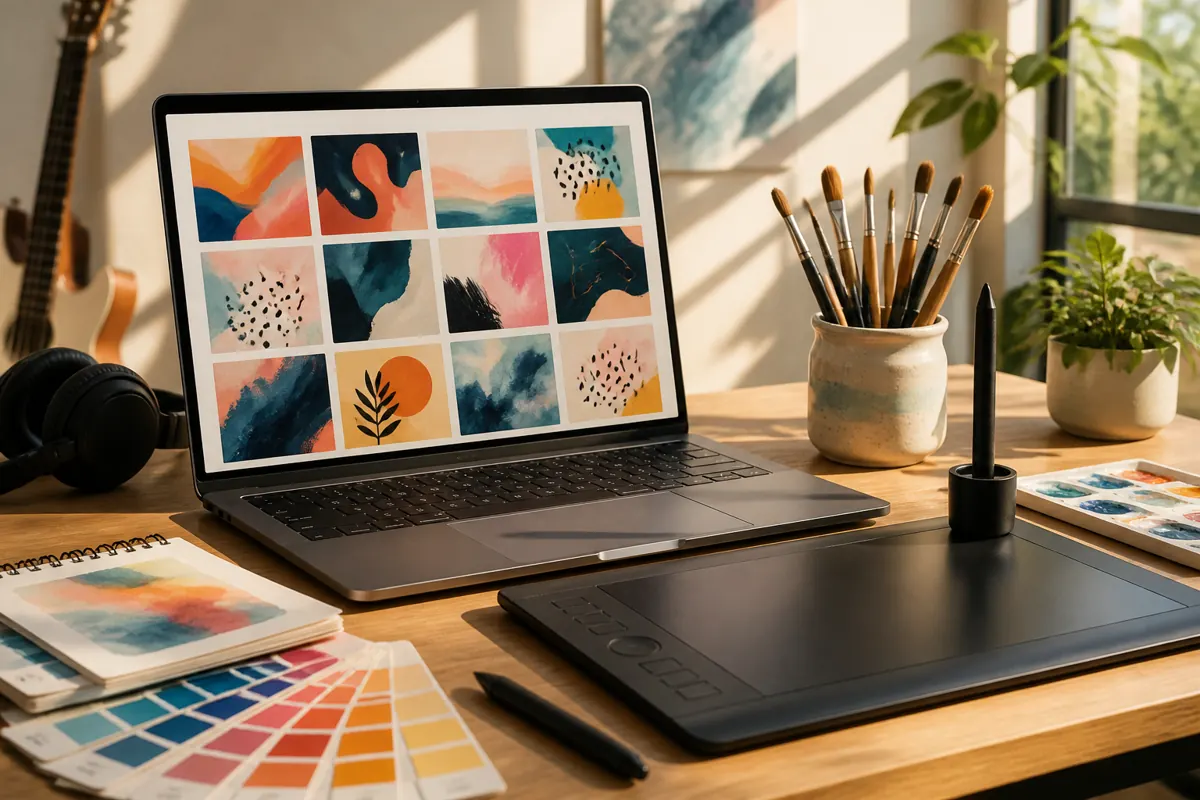
A portfolio website shows your best work in a way that helps a visitor decide to hire you. The strongest portfolios are selective, easy to browse and explain the story behind each project. A short collection of relevant projects with clear descriptions works better than every piece you have ever made.
Who the portfolio is for
Before choosing images, decide who you want to reach. A client looking for a logo wants different proof than a studio looking for an illustrator or a person who needs a website. Choose work that speaks to that audience. If you do several kinds of work, you can group them, but lead with the kind you most want more of.
What to show
- Quality over quantity. A handful of strong projects is better than dozens of mixed ones.
- Variety within your focus. Show that you can solve different problems in the same field.
- Finished work. Include projects that were completed and used in real life where possible.
- Personal projects. If you have few client projects, well-made personal projects are a legitimate way to show skills.
Only show work that you made yourself or have permission to show. If a project was done with a team or a client, say so and describe your part honestly.
Tell the story of each project
An image alone does not explain how you think. For your main projects, add a short description with four parts:
- The goal. What was the client or the project trying to achieve?
- Your role. What did you do?
- The process. Key steps, sketches or decisions.
- The result. What was delivered, and how it was used. Include real comments from the client if you have permission.
This format, often called a case study, shows clients that you can handle a project from start to end.
Keep the structure simple
A typical portfolio site needs a home page with your best work, a page for each major project, an about page, a services page if you take commissions, and a contact page. The menu should be short. Visitors should find your work in a click or two. If you want ideas for the structure of the text, see homepage text that explains what you do and how to write an about page.
Presentation matters
- Use high-quality images, optimized for the web so that pages load fast. See website photos and image optimization.
- Give the work room. Plain backgrounds and generous spacing let the pieces stand out.
- Make sure that galleries work on a phone.
- Write descriptive captions and alternative text for images.
Make it easy to hire you
Many portfolios are beautiful and still do not bring work, because the visitor does not know what to do next. Add a clear invitation near your best projects and at the end of the page, such as "Start a project" or "Ask about availability". Say what kind of work you take and how to start. A contact form that works matters more than an elaborate animation. See how to build a contact form that gets answered.
Where articles fit in
A portfolio shows what you have done. Articles show how you think and help people find you through search. A short explanation of a problem you often solve, with a link to related projects, can bring visitors who are looking for exactly that help. You do not need a large blog; a few helpful pages are a good start.
Common mistakes
- Showing too much and hiding the best pieces.
- Using heavy pages that load slowly.
- Leaving out the contact information.
- Using work that is not yours without saying so.
- Never updating the site.
A simple plan for your first version
Depending on how much material you already have, a first version may take a weekend or a few evenings. Choose six to eight projects that you are proud of. Write a short description for the top three. Prepare optimized images. Write a few sentences about yourself and a clear way to contact you. Publish it, ask a few people to try it and improve it step by step. A small, finished portfolio that exists is far more useful than a perfect one that stays in your head.
A quick check before you publish
- Open the site on a phone and a computer, and look only at the first screen. Is it clear what you do?
- Is your best piece first, with a clear project name?
- Can a visitor who stays for one minute find your contact details?
- Does every image have alternative text and a reasonable file size?
Mistakes that make a portfolio forgettable
Many portfolios are hard to remember because they look like everyone else's: the same grid, the same vague introduction, no clear specialty. Pick a focus and say it in the first line. Even a small niche, such as album covers for independent musicians, helps a client to remember you and recommend you. You can still take other work; the focus simply gives people a reason to think of you first.
FAQ
How many projects should a portfolio have?
Enough to show your range and skill, usually a small, carefully chosen set.
Should I include unfinished or old work?
Include only what you are proud of and what reflects the work you want to get now.
Do I need my own domain?
It is not required, but it helps. A domain in your name looks more professional and stays with you. See domain name and hosting explained.
Can I use a social profile instead of a website?
It can work at the start, but a website gives you control, a clear structure and a place that you own.
How often should I update it?
Add new work as you finish it, and review the whole site a few times a year.