 Kristina ;D
What Is User Experience Design and Why Does It Matter?
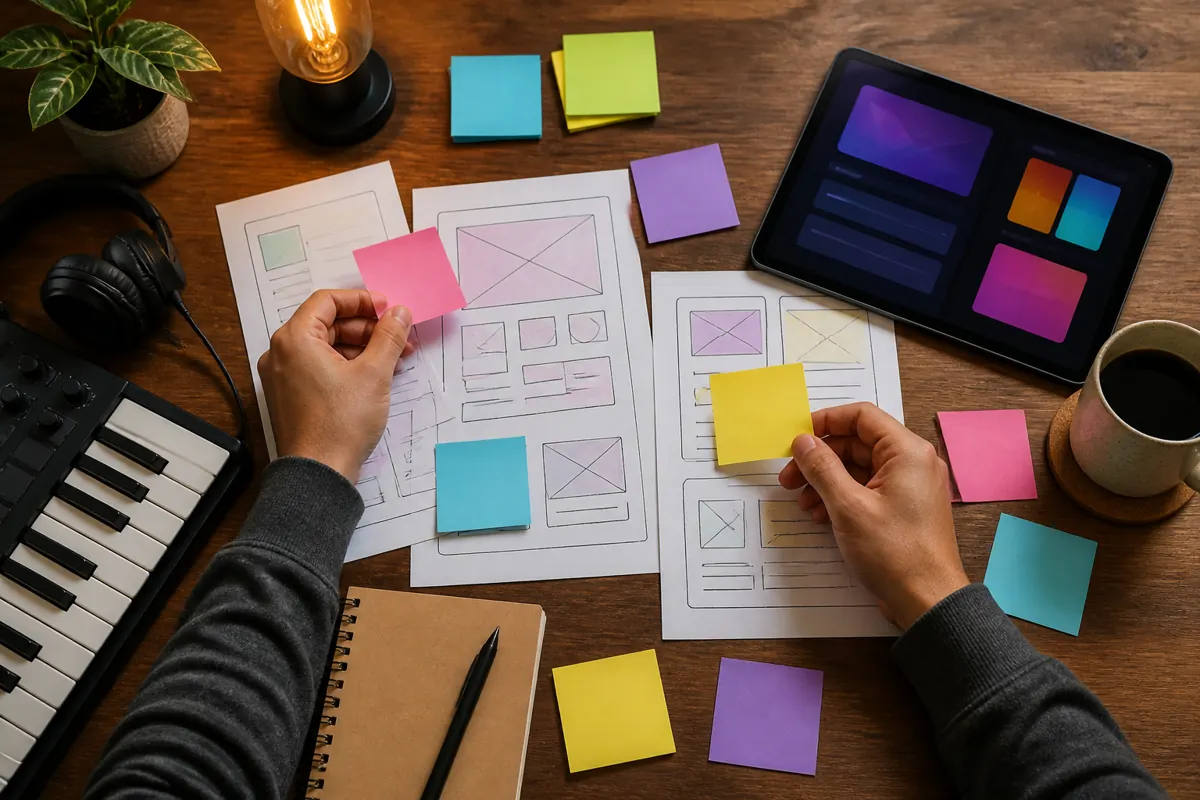
User experience design, usually shortened to UX, is the practice of shaping a product so that people can use it easily and reach their goal without frustration. For a website, it decides whether a visitor can quickly find what they came for and take the next step. A beautiful page that confuses people is a design that does not work.
UX in plain words
UX covers how a product feels to use, from the first impression to the final action. It includes the structure of the pages, the wording of buttons, the order of information, the speed of the page and the way it behaves on a phone. Related ideas are usability, which is how easy something is to use, and visual design, which is how it looks. UX includes both and goes beyond them.
What a UX designer does
- Clarifies the goal. What should the site achieve, and for whom?
- Researches the audience. What do visitors want, and what stops them?
- Plans the structure. Which pages and sections exist and how a person moves between them.
- Makes sketches. Simple layouts that show where things go before colors and pictures are added.
- Tests with real people. Watching someone try to complete a task shows problems that the designer no longer sees.
- Revises. Fixes problems and checks again.
Why it matters for a small site
Visitors often decide quickly. If they cannot understand what you offer or how to contact you, they leave. Good UX removes friction: a clear headline, an obvious next step, a form that is short, text that is easy to read. These small things often matter more than decoration.
How to judge a design without being a designer
You can test a design with simple questions.
- Can a stranger say in a few seconds what the page offers and who it is for?
- Is the next step obvious on every screen?
- Does it work on a phone with one hand?
- Is the text easy to read, with enough contrast and a comfortable size?
- Do buttons look like buttons and links look like links?
- Does the page load fast enough that you do not notice it? See how to check website speed.
What to prepare before you hire
A designer needs to know your goal, your audience, the single action you want, examples you like and dislike, and what content is ready. The more you can say about the people you want to reach, the better the structure will be. A checklist for this is in what to put in a website brief.
Questions to ask a designer
- How do you decide the structure of the page?
- How will we know the design works?
- How many rounds of revisions are included?
- Do you test with real users, even in a small way?
Where UX meets the rest of your marketing
A well-designed page still needs visitors and a clear offer. Design cannot fix an unclear message. When you review your site, look at three layers: the offer, the interface and the technical performance. If people do not understand the offer, no layout will help. If they understand it but the form is hard to find, the interface needs work. If the page is very slow, it can undo the rest. To check an existing site step by step, see how to check your website's usability.
A simple example: the contact page
Suppose a visitor wants to hire you. On a poorly planned site, the contact link is hidden in the footer, the page opens with a long paragraph about you and the form asks for eight pieces of information. The visitor needs five steps and a lot of patience. On a well-planned site, the same visitor sees a clear button at the top, lands on a page with a short promise of when to expect an answer, and fills in three fields. Both pages may look equally pleasant, but only the second respects the visitor's time. That difference is what UX work is about.
Common UX mistakes on small sites
- Too many choices. A menu with ten items and four buttons on each screen leaves people unsure where to click.
- Vague labels. Names like "Solutions" or "Explore" tell the visitor nothing. Plain words such as "Services" and "Portfolio" work better.
- Tiny text and low contrast. Light gray text on a white background looks elegant and is hard to read, especially outdoors on a phone.
- Surprises. Pop-ups that appear at once, sound that starts automatically and sliders that move by themselves distract from the goal.
- Hidden information. If people must hunt for your prices, your location or your contact details, many will not.
Accessibility is part of UX
A good experience includes people who use a keyboard instead of a mouse, who rely on a screen reader or who have limited vision. Basic steps are readable text size, enough contrast, descriptions for images and buttons that can be reached with a keyboard. These steps also help every visitor, for example someone using a phone in bright sunlight. A fuller list is in website accessibility basics.
FAQ
Is UX the same as UI?
No. UI, or user interface, is the visible part: buttons, colors, layout. UX includes the whole experience, including whether the interface helps people reach their goal.
Do I need UX design for a one-page site?
Yes, in a lighter form. Even one page needs a clear goal, a logical order and an obvious next step.
How is usability measured?
Often by watching people complete tasks and noting where they hesitate, plus simple numbers such as the share of visitors who finish an action.
Can I test a design myself?
Yes. Ask a few people who match your audience to complete a task on your site while you watch quietly and take notes.
When should UX work start?
At the beginning, before colors and pictures. Changing the structure after the design is finished usually costs more.