 Kristina ;D
AI-Generated Images for Your Website: Benefits and Limits
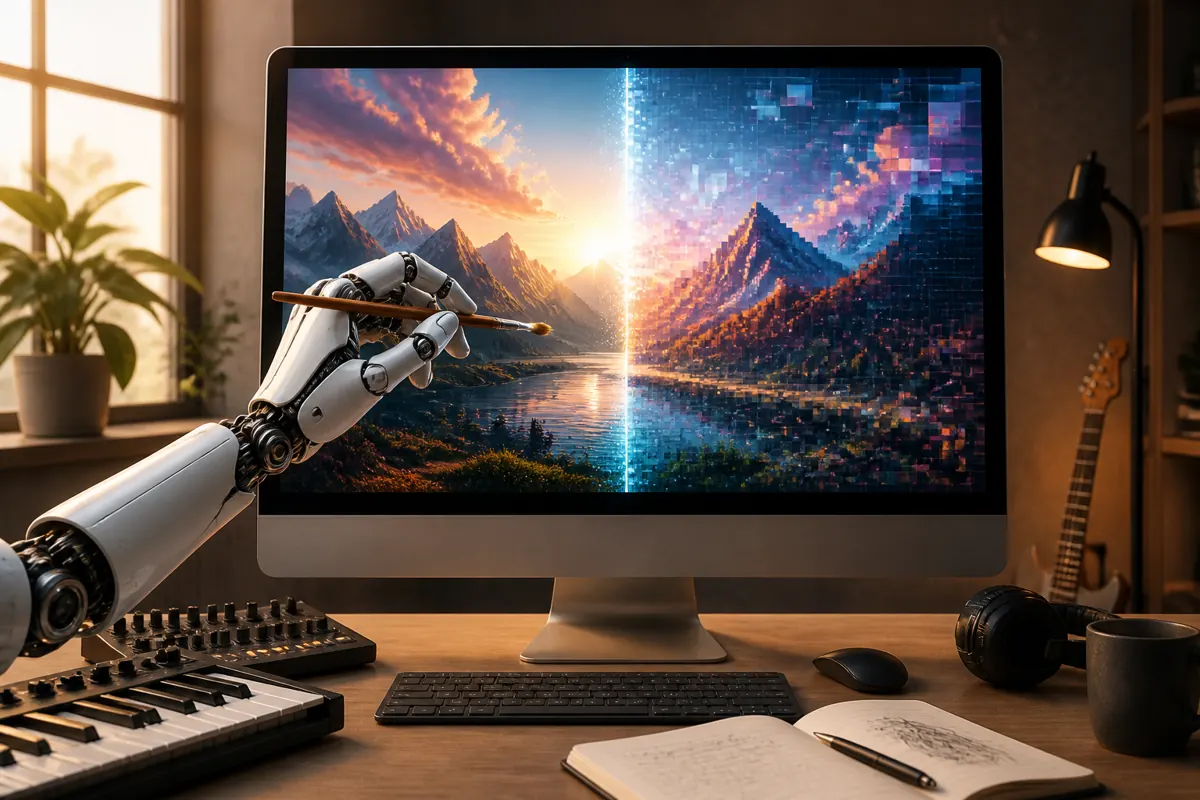
AI-generated images can be a fast and affordable way to illustrate a website, especially for banners, backgrounds and concept pictures. They also have limits: the quality varies, details may look odd, the rights and rules are still developing, and an image that looks generic can weaken your brand. Used with care and openness, they are a useful tool, not a replacement for your own judgment.
What AI images are good for
- Abstract backgrounds and banners. Soft textures, color fields and atmospheric scenes.
- Concept illustrations. Pictures that explain an idea, such as a metaphor for an article.
- Mockups and drafts. Quick visual ideas before you commission or create final artwork.
- Variety on a tight budget. A small site with many articles may not afford a photographer for every page.
Where they fall short
- Details. Hands, text inside the image, and fine objects may come out wrong. Always look closely at the result.
- Consistency. Pictures made in separate sessions can differ in style, which makes a site feel unplanned.
- Real people and real places. If you need to show your actual work, team, products or location, use real photos. An invented picture of a real thing can mislead.
- Originality. Many AI images share a recognizable look. If your business depends on a distinctive style, your own art will stand out more.
Rights and rules
The legal situation for AI-generated images is still developing and differs between countries and tools. The terms of the tool you use strongly affect what you may do with the results, such as commercial use. Some countries treat purely machine-made images differently from human-made art when it comes to copyright. Read the terms of the service, keep records of how you created the image, and avoid asking a tool to imitate a living artist or a protected character. If the use is important for your business, ask a qualified advisor.
Be open about it
Many visitors, clients and platforms care about whether an image is made by a person or by a machine. A short, honest note, such as "Illustrations on this page were created with AI tools", builds trust. You can add the note in the footer or near the image. If you are an artist, make a clear distinction between the work you create by hand and any images you generate. Honesty about method protects your reputation.
Keep content suitable for everyone
Review every generated image before publishing. Make sure it contains nothing offensive, misleading or inappropriate for your audience, and that it matches the topic. A picture that confuses the message or shows something odd can hurt the page more than having no picture at all.
How to get better results
- Describe the scene clearly. Subject, mood, style, colors and composition.
- Avoid text in the image. Add text with your design tools instead.
- Choose a consistent style. Use the same description of style across images, so the set looks related.
- Generate several versions and choose. The first result is rarely the best.
- Edit. Crop, adjust color and fix small errors before publishing.
Prepare images for the web
Whatever the source, resize and compress images before uploading them, give them descriptive alternative text and name the files clearly. Large files slow down pages and frustrate visitors. See website photos and image optimization and how to check website speed.
When to choose something else
Use your own photos or illustrations when the image is central to your offer or shows real people and products. Use properly licensed stock images when you need realistic photos and want clear usage terms. Use AI images when you need a quick, decorative or conceptual picture and you are comfortable with the rules of the tool. For portfolios, real work always comes first. See how to build a portfolio website.
A practical rule of thumb
Ask yourself a simple question before you publish an AI-made picture: would a visitor feel misled if they knew how it was made? If the picture is decorative, such as a soft background or an abstract mood image, most people will not mind, especially with an honest note. If the picture claims to show something real, such as your team, your product or a result of your work, it should be real. This rule keeps your site honest and protects your reputation.
Keep a small library
Save the prompts and the settings you used for images that worked well, together with the date and the tool. When you need a new image for the same site, you can reuse the description of the style and get a result that fits. Over time this helps you build a more consistent look, and you can show clearly how each image was made if anyone asks.
Alternative text and accessibility
Every meaningful image needs a short description in its alternative text, so that people who use screen readers, and search engines, understand what it shows. For a purely decorative image, the description can be left empty. Describe what the picture shows in plain words, not the prompt you used to make it. This small habit makes the site friendlier to everyone, and it works the same for photos, drawings and generated pictures.
FAQ
Can I use AI images commercially?
It depends on the tool's terms and the rules in your country. Read the terms and keep records.
Should I tell visitors that an image is AI-generated?
A short note is a good habit and increases trust, especially for creative work.
Will AI images hurt my search visibility?
There is no simple answer, and no one outside the search engines can say exactly how they treat such images. What you can control is whether the images are relevant, described with alt text and light enough for fast pages. Poor or irrelevant images can hurt the visitor experience.
Are AI images free?
Some tools are free and others are paid, with different limits. Check the plan you use.
Can AI replace a photographer or illustrator?
For some decorative needs, yes. For authentic, personal or highly specific work, a human creator is the better choice.